
Building a professional, high-performance website no longer requires starting from scratch. For developers who value speed and customization, a high-quality Tailwind CSS template offers the perfect middle ground between a rigid theme and a blank canvas. These templates and UI kits provide pre-built, production-ready components and page layouts, all built on Tailwind's utility-first framework. This approach dramatically accelerates development time, allowing you to focus on unique features rather than reinventing common interface elements.
This guide provides a curated list of the best resources for finding your next Tailwind CSS template, from comprehensive UI kits like Magic UI and Flowbite to specialized marketplaces like ThemeForest. We'll analyze each option, highlighting its strengths, ideal use cases, and pricing models. To ensure your chosen Tailwind CSS template truly stands out, it's essential to build upon a foundation of solid design. Understanding effective website design principles can help you customize your template for maximum impact and user engagement. Our goal is to help you quickly identify the right starting point for your project, whether you're building a SaaS platform, a marketing site, or an e-commerce store. Each entry includes direct links and key details to streamline your selection process.
1. Magic UI
Magic UI stands out as a developer-first UI library that fundamentally accelerates landing page development. Instead of building from scratch, developers can leverage a massive, open-source library of over 150 animated components built with React, TypeScript, Tailwind CSS, and Framer Motion. This focus on modern animation and interactivity makes it an exceptional choice for creating visually stunning, high-performance web experiences.
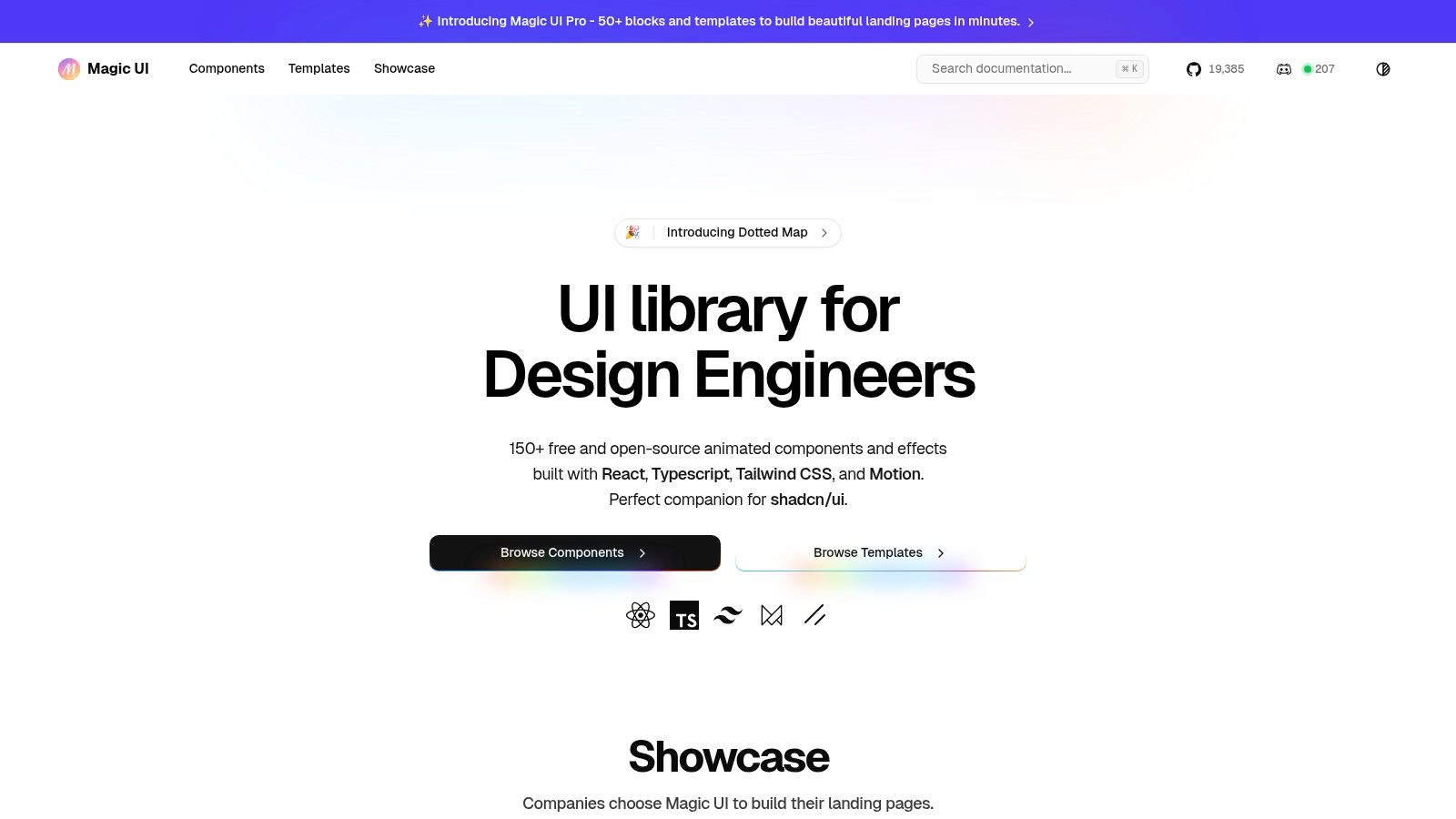
The platform is engineered for rapid assembly, providing more than 50 pre-built blocks and complete templates that transform a multi-hour design task into a matter of minutes. Its seamless integration with modern development stacks, particularly its compatibility with shadcn/ui, makes it a powerful addition to any React-based project. The strong community backing on GitHub and extensive social proof from developers highlight its real-world effectiveness in saving significant time and effort.
Core Features
- Free Animated Components: Access 150+ free, open-source, and beautifully animated components. Each one is easily installable via a one-line command.
- Pro Templates & Blocks: The "Pro" version offers over 50 premium blocks and full landing page templates for even faster development.
- Modern Tech Stack: Built with React, TypeScript, Tailwind CSS, and Framer Motion for optimal performance and developer experience.
- shadcn/ui Compatibility: Designed to work flawlessly alongside the popular shadcn/ui library, enhancing your component toolkit.
Who is it Best For?
Magic UI is ideal for web developers, freelancers, and startup founders operating within the React ecosystem. If your goal is to quickly build polished, animated, and modern landing pages without compromising on code quality or developer experience, this is an unparalleled tailwind css template resource.
Pricing
- Components: The core library of 150+ animated components is free and open-source.
- Magic UI Pro: Premium templates and blocks are available for a one-time purchase. Check the official website for current pricing.
Website: magicui.design
2. Tailwind Plus (official, by Tailwind Labs)
Tailwind Plus is the official, commercial component library from the creators of Tailwind CSS. It provides an extensive, professionally designed and maintained collection of over 500 UI components, blocks, and fully-functional site templates. This is the canonical source for high-quality, framework-approved patterns, ensuring every tailwind css template is up-to-date with the latest framework features and best practices.
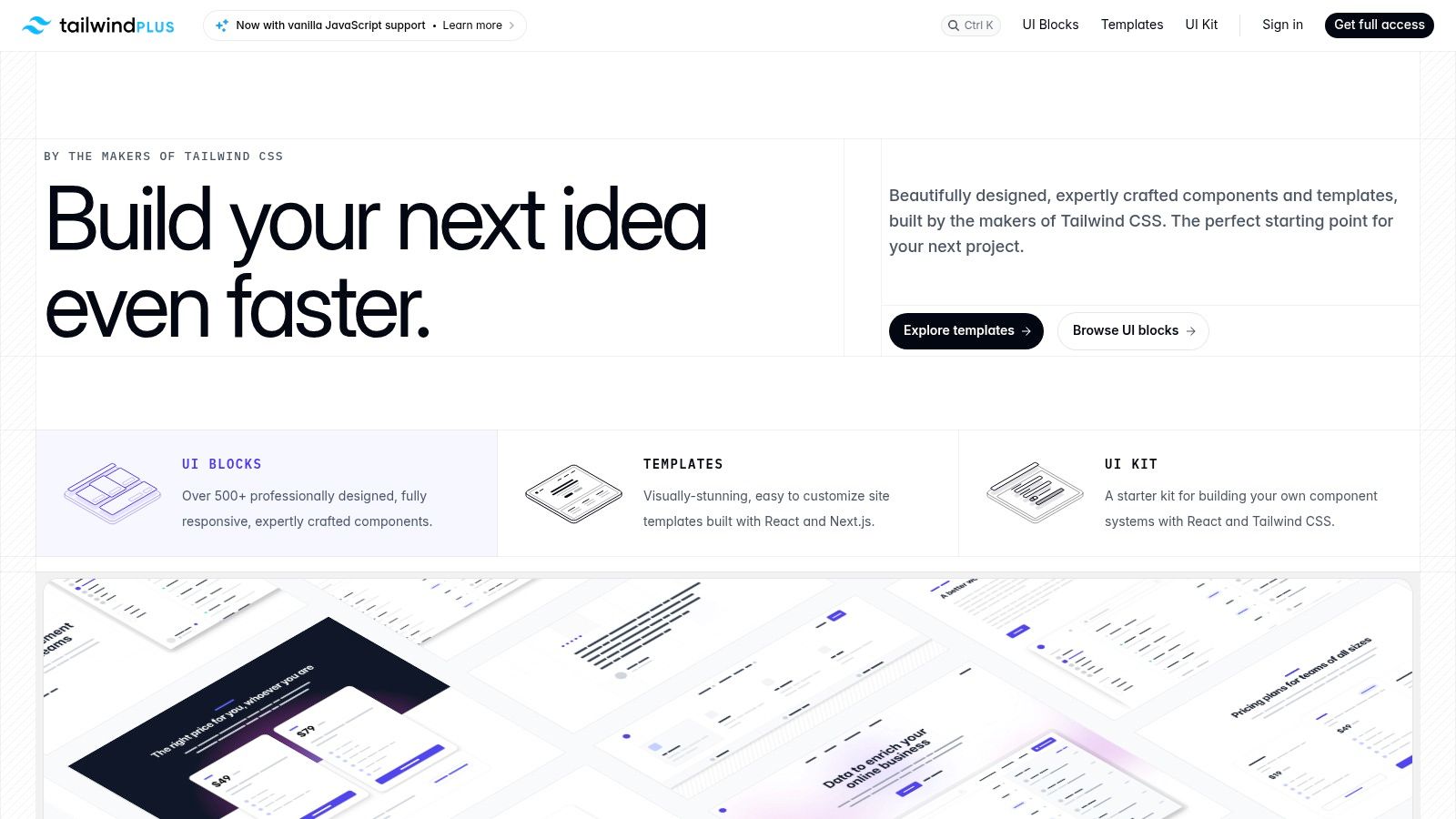
What makes it stand out is its one-time purchase model, which grants lifetime access to all current and future components without a recurring subscription. The code quality is exceptionally high, with everything built for modern stacks like Next.js and React.
Key Features & Considerations
- Pricing: One-time payment of $299 for access to all components and templates.
- Best For: Developers who want official, "blessed" components and are building with React or Next.js.
- Pros: Maintained by the Tailwind team, one-time fee with lifetime updates, includes an Elements JS library for interactivity without a full JS framework.
- Cons: Templates are not available in plain HTML, which may be a limitation for non-React projects. Figma files are not included with the templates.
For developers seeking an officially supported and comprehensive toolkit, Tailwind Plus is an excellent investment. While it offers premium paid options, you can explore excellent no-cost alternatives to get started; for a curated list, check out these free Tailwind CSS templates.
Website: https://tailwindcss.com/plus
3. ThemeForest (Envato)
ThemeForest, part of the Envato Market, is a massive marketplace hosting thousands of website templates, including a substantial and growing collection of items built with Tailwind CSS. It connects independent authors with buyers, offering a vast range of designs for landing pages, admin dashboards, and complex niche sites. Its strength lies in the sheer volume and variety, allowing you to find a tailwind css template for almost any project imaginable.
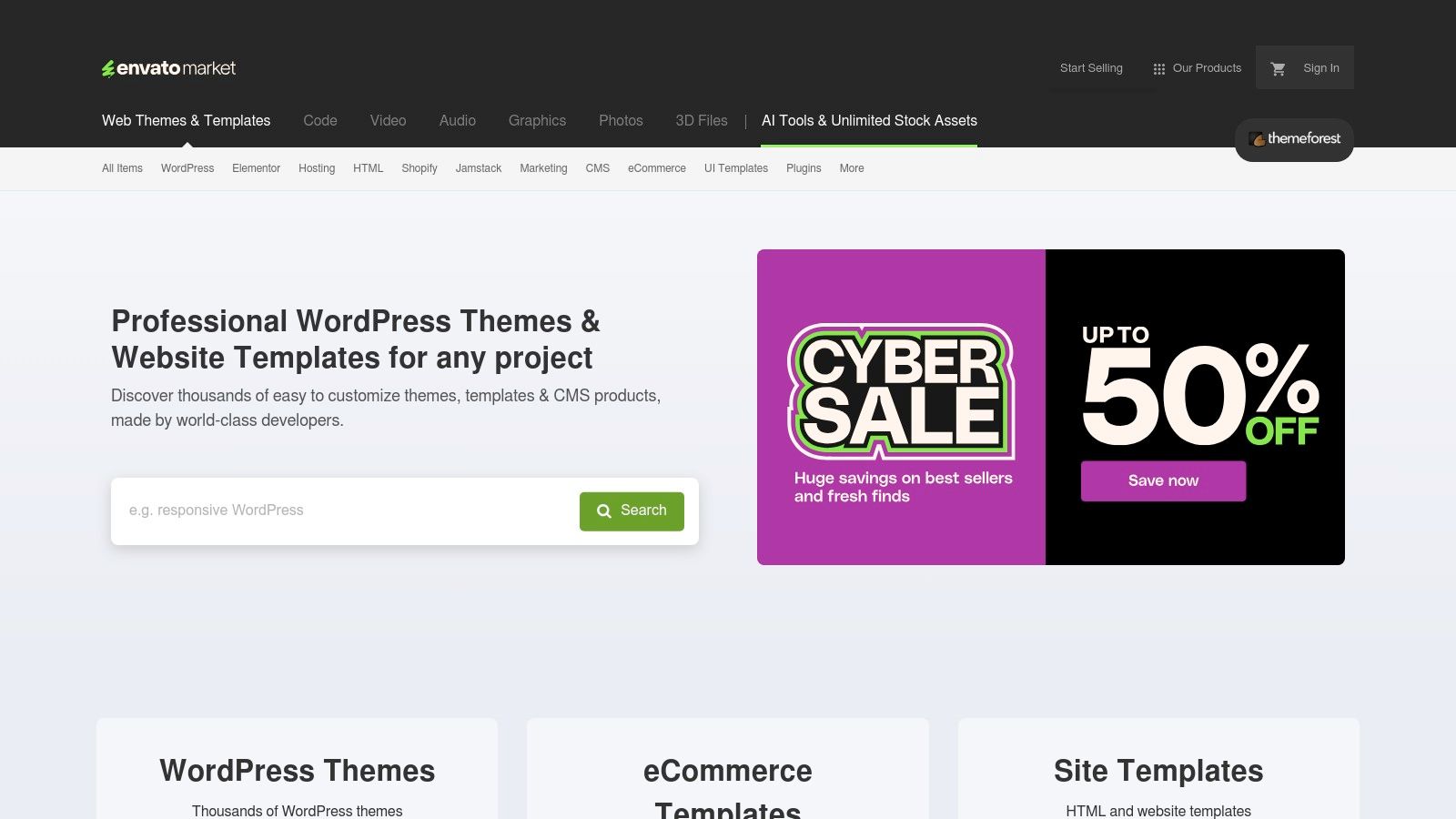
What makes ThemeForest stand out is its powerful filtering system, user reviews, and author rating mechanisms. These tools help you navigate the huge selection to find quality products. You can easily compare templates based on sales, last updated date, and community feedback, which is crucial since quality can vary significantly between different creators.
Key Features & Considerations
- Pricing: Varies per template, typically a one-time payment between $10 and $79.
- Best For: Developers looking for a wide variety of competitively priced templates for specific niches who are willing to vet authors.
- Pros: Huge selection across countless categories, competitive pricing, and a robust system for comparing items via sales data and reviews.
- Cons: Quality is inconsistent across authors. It's essential to check demos, update logs, and verify the Tailwind CSS version and build tools for each item.
Website: https://themeforest.net
4. Cruip
Cruip specializes in polished, design-forward Tailwind CSS templates, primarily focusing on landing pages and admin dashboards for startups and SaaS businesses. It stands out by offering each tailwind css template across multiple tech stacks, including plain HTML, React, Next.js, and Vue, ensuring developers can find a version that fits their existing workflow perfectly. This multi-framework support is a significant advantage over single-stack providers.
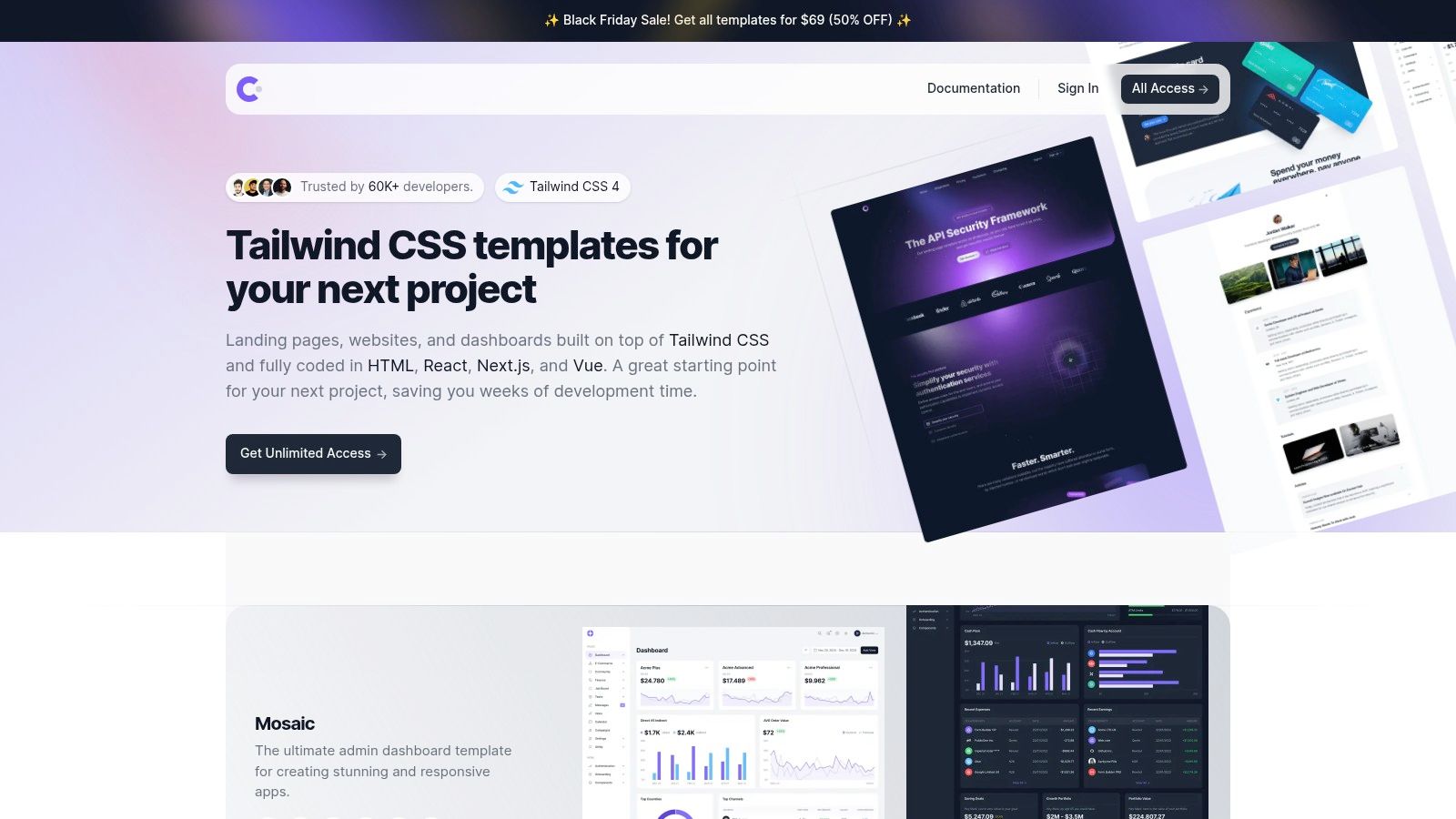
What makes Cruip particularly user-friendly is its "try before you buy" model. Most premium templates have a free "Lite" version, allowing you to test the design quality and code structure before committing to a purchase. The templates are actively maintained and updated, with clear notes on compatibility with the latest versions of Tailwind CSS, which provides peace of mind for long-term projects.
Key Features & Considerations
- Pricing: Individual templates typically range from $29 to $69. An "all-access" bundle is available for $199.
- Best For: SaaS founders, marketers, and developers needing a high-quality, conversion-optimized landing page or dashboard without starting from scratch.
- Pros: Very high design quality, templates available for multiple popular frameworks (HTML, React, Vue), and free "Lite" versions for evaluation.
- Cons: The template selection is heavily focused on SaaS, marketing, and admin interfaces, with fewer options for other niches like e-commerce or blogs.
Cruip is an excellent choice for launching a professional-looking marketing site quickly. For more inspiration on building effective marketing sites, explore these high-quality Tailwind landing page templates.
Website: https://cruip.com
5. Flowbite (by Themesberg)
Flowbite is an extensive open-source component library built on top of Tailwind CSS, offering a rich ecosystem of UI elements, blocks, and templates. It stands out by providing a robust free tier with hundreds of MIT-licensed core components, making it highly accessible. For those needing a complete solution, Flowbite Pro offers a tailwind css template for nearly any use case, from marketing sites to complex application dashboards.
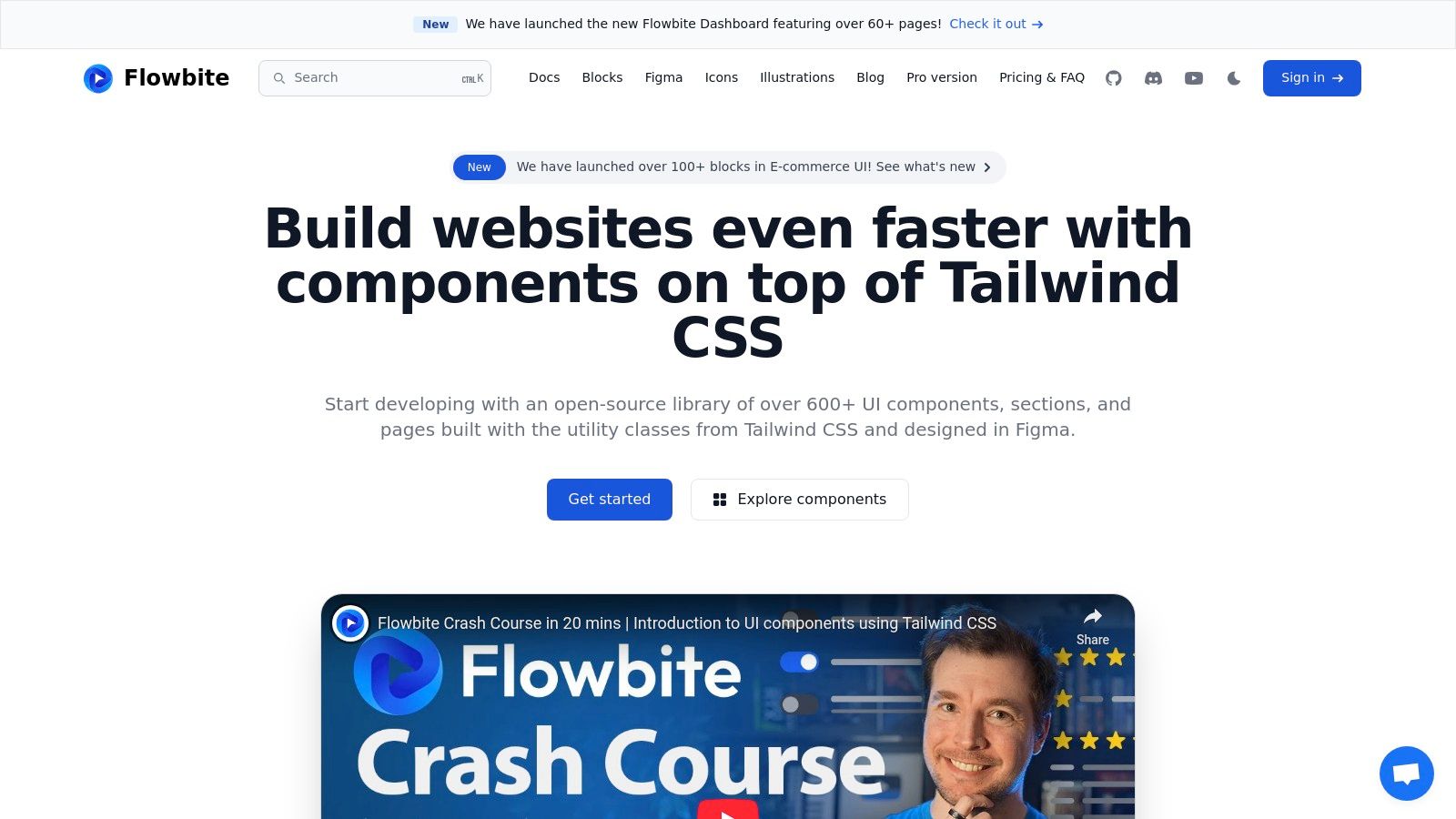
What makes it a strong contender is its comprehensive documentation and active community, complete with integrations for popular frameworks like React, Vue, and Svelte. The Pro version enhances this by including a Figma design system, which is invaluable for teams that need to bridge the gap between design and development. The balance between a powerful free offering and a comprehensive premium toolkit makes it a versatile choice.
Key Features & Considerations
- Pricing: Free MIT-licensed core library; Pro versions start from a one-time payment of $149 (Developer), $299 (Team), or $699 (Enterprise).
- Best For: Developers and teams looking for a well-documented component ecosystem with both free and premium options, including integrated Figma assets.
- Pros: Large collection of free components, excellent documentation, framework-specific integrations, and a full design system with Pro.
- Cons: The most advanced components and full-page templates are locked behind the Pro version; licensing can be restrictive for reselling derivative works.
Website: https://flowbite.com
6. Shuffle.dev (tailwind.build / Shuffle)
Shuffle.dev is a powerful visual editor designed for rapidly building websites using pre-made UI components. It offers a massive library of thousands of components and templates, allowing users to visually assemble a custom tailwind css template by dragging and dropping elements. This approach significantly speeds up the prototyping and development process, making it a go-to tool for creating landing pages and marketing sites.
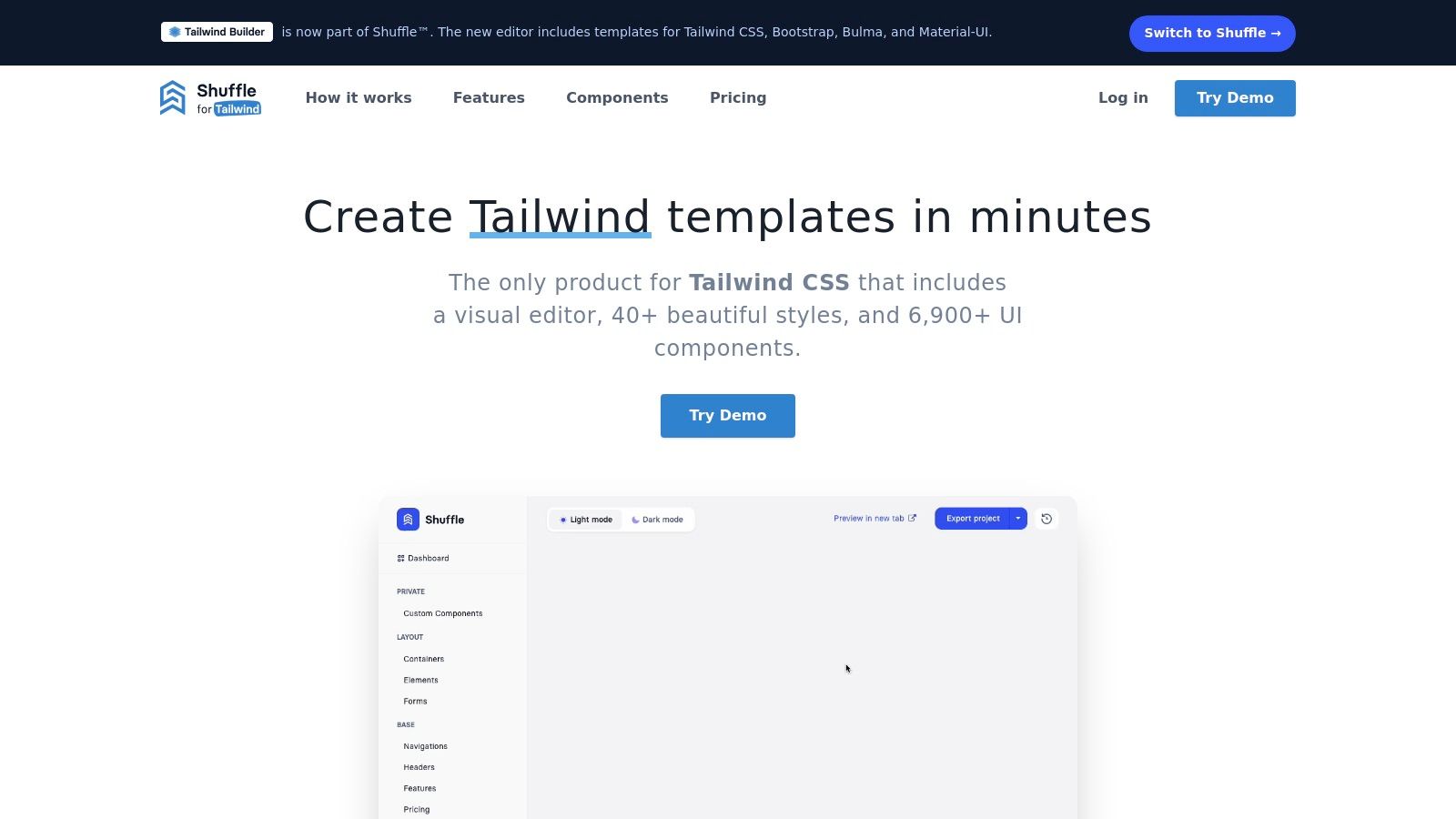
What makes Shuffle stand out is its combination of a visual builder with code export functionality. Once a design is complete, you can export the clean code to various modern stacks, including React, Next.js, Vue, and plain HTML. This flexibility bridges the gap between visual design and hands-on development, providing a solid foundation that can be customized further.
Key Features & Considerations
- Pricing: Offers monthly ($25/month), annual ($200/year), and lifetime ($599) plans for individuals and teams.
- Best For: Developers and designers who want to visually assemble custom pages quickly and export the code for further refinement.
- Pros: Extremely fast for prototyping, huge library of components and multiple UI kits, export to popular frameworks, lifetime license option.
- Cons: The generated code may require some cleanup for complex, large-scale projects, and the visual builder's output may differ from a hand-coded structure.
Website: https://tailwind.build
7. Creative Tim
Creative Tim is a well-established marketplace for premium UI kits and admin dashboard templates. It offers a specialized collection of products built with Tailwind CSS, often developed in partnership with other ecosystems like Flowbite. Their focus is on providing comprehensive, ready-to-use solutions for complex application interfaces, such as dashboards, CRMs, and e-commerce backends. Each tailwind css template is designed to be a complete starter kit.
What makes Creative Tim stand out is its reputation for producing polished, well-documented, and consistently updated templates. Developers can rely on their products for building robust back-end interfaces quickly, with extensive component libraries and detailed guides included with each purchase. They provide live demos for all templates, allowing for thorough evaluation before buying.
Key Features & Considerations
- Pricing: Varies per product, typically ranging from $69 to $149 for a single license, with bundle options available.
- Best For: Developers and teams needing a feature-rich, pre-built admin dashboard or application UI.
- Pros: Reputable vendor with a history of quality releases and support, excellent choice for complex dashboard projects, provides extensive documentation.
- Cons: Some templates rely on third-party libraries like Flowbite, which may have separate licensing. The feature set and included pages vary significantly between products.
For those building data-heavy applications, Creative Tim offers some of the most complete Tailwind CSS dashboard solutions on the market.
Website: https://www.creative-tim.com
8. TailGrids
TailGrids is a comprehensive component library offering over 600 UI elements and blocks, but it distinguishes itself by also providing a solid collection of ready-to-use templates. It is an excellent choice for developers and teams who need a large variety of components for marketing, e-commerce, and dashboards, alongside the core design files for seamless collaboration. Each tailwind css template is built with flexibility in mind.
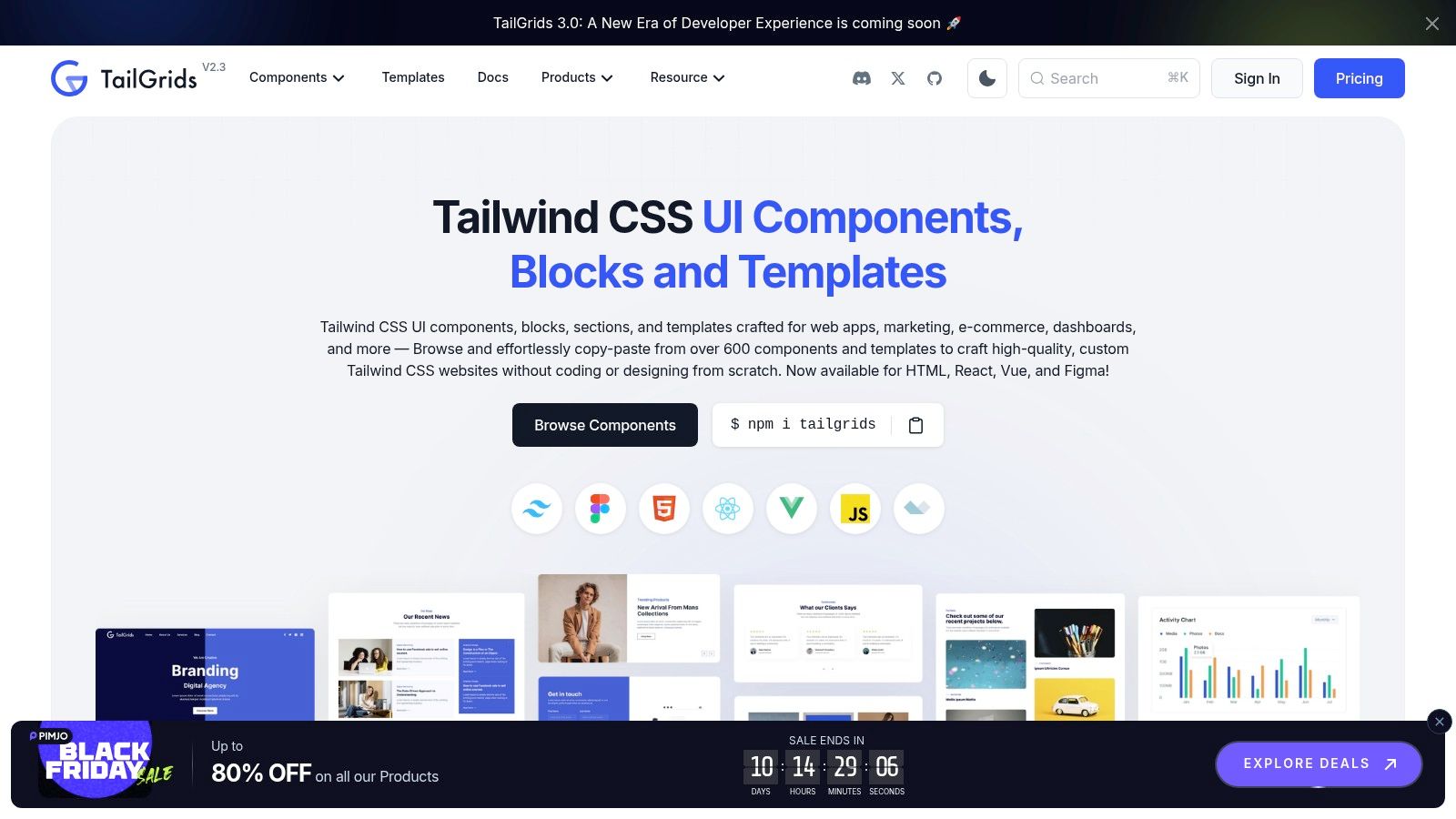
What makes it stand out is its licensing model and the inclusion of design assets. TailGrids offers a one-time payment for lifetime access and updates, which is a major advantage over subscription-based services. Higher-tier packages bundle Figma source files, making it a powerful resource for teams where designers and developers work closely together from concept to production.
Key Features & Considerations
- Pricing: Free plan available. Paid plans start from a one-time payment of $99 for lifetime access.
- Best For: Teams and freelancers needing both a vast component library and the corresponding Figma design files.
- Pros: One-time purchase with lifetime updates, includes Figma source files on higher tiers, large library of 600+ components.
- Cons: Primarily a component library, so its collection of full-site templates is smaller than template-first platforms.
Website: https://tailgrids.com
9. UIdeck
UIdeck offers a diverse marketplace of website templates and UI kits, with a dedicated category for resources built with Tailwind CSS. It functions as a broad catalog, providing a mix of free and premium options primarily focused on landing pages, business sites, and marketing templates. This platform is ideal for developers and entrepreneurs looking for a quick and affordable tailwind css template to launch a project.
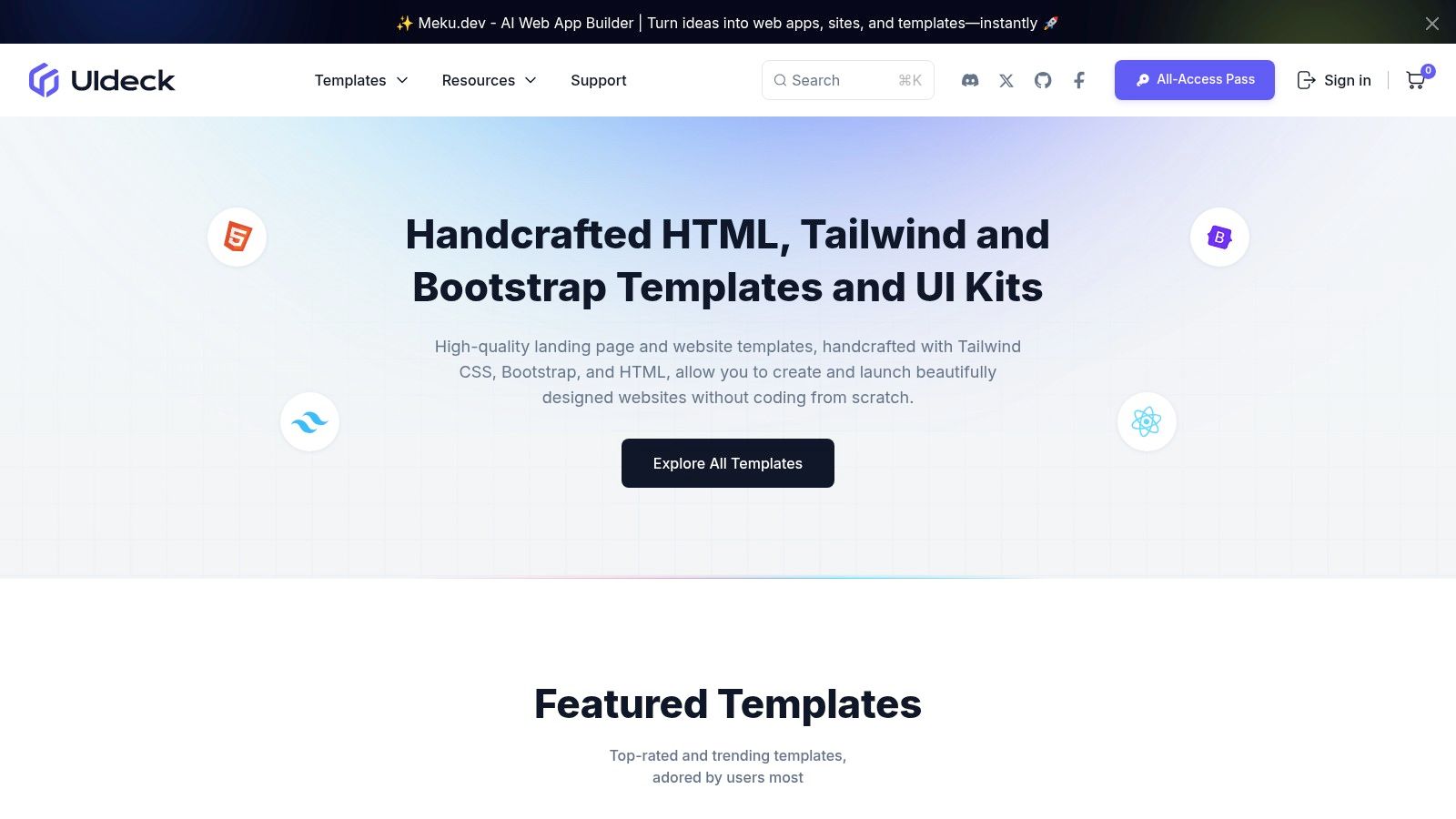
What makes UIdeck stand out is its "All-Access" pass, which grants access to its entire collection of premium templates for a single fee. This model provides excellent value for agencies or freelancers who need a wide variety of designs for different projects. The lifetime usage rights on downloaded items also add to its appeal.
Key Features & Considerations
- Pricing: Free templates are available. Premium templates are sold individually (around $29-$49) or via an All-Access pass ($99 for lifetime access).
- Best For: Freelancers, agencies, and startups needing a variety of affordable marketing and landing page templates.
- Pros: Great value through the All-Access bundle, especially during promotions. A good mix of free and paid options for different budgets.
- Cons: Template quality and build tooling can be inconsistent across different items. Users must verify the Tailwind CSS version and dependencies for each template individually.
Website: https://uideck.com
10. Themefisher
Themefisher is a boutique template shop offering a curated collection of both free and premium HTML templates built with Tailwind CSS. It is an excellent resource for developers looking for straightforward, static-site-ready designs. Each tailwind css template comes with source files, including the tailwind.config.js file, making customization simple and direct for HTML-based projects.
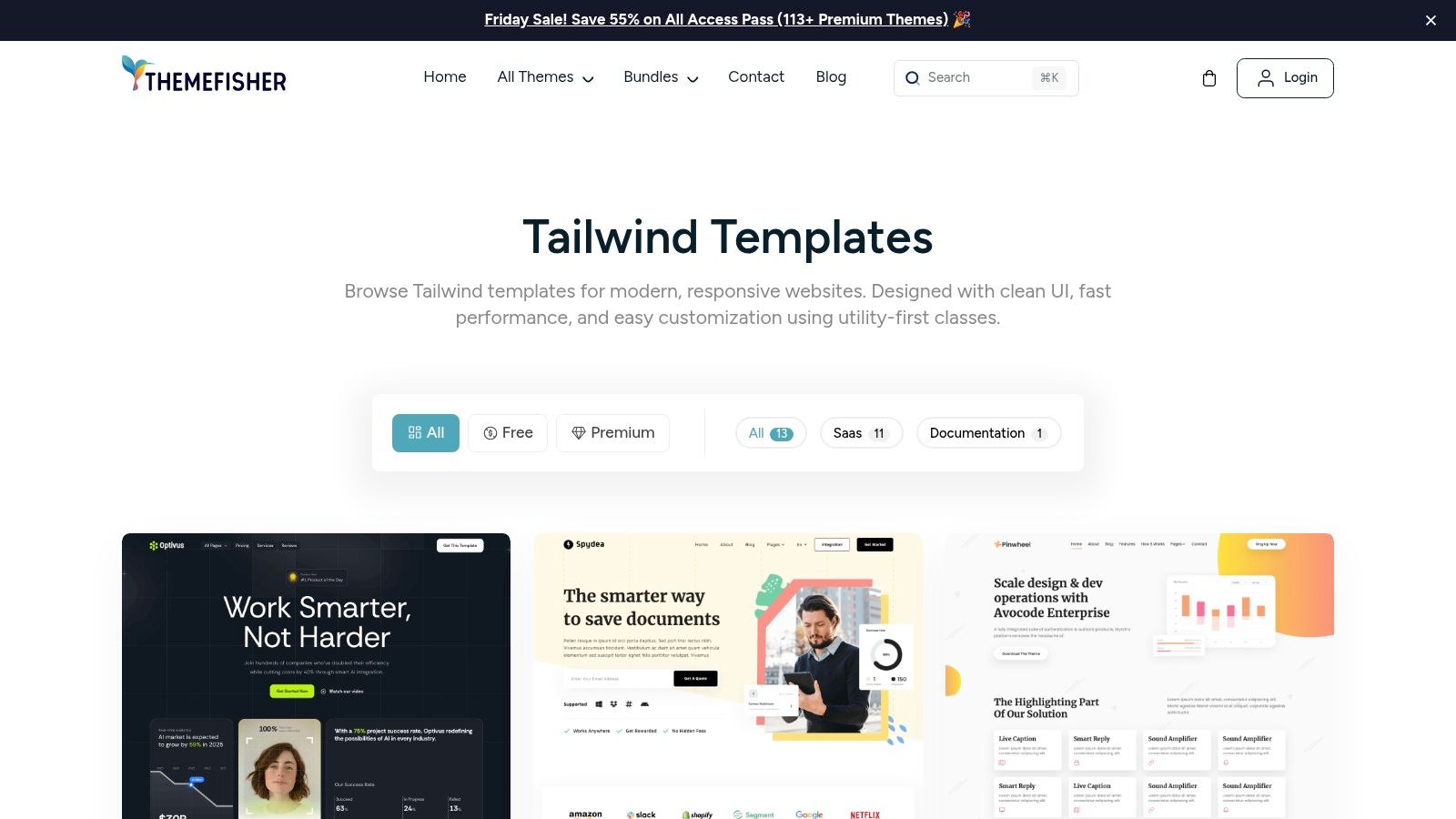
What makes Themefisher stand out is its focus on simplicity and accessibility. The zipped downloads provide everything needed to get a project running without the complexity of a JavaScript framework. This makes it an ideal choice for landing pages, portfolios, or marketing sites where a static deployment is sufficient and preferred. The availability of free templates also allows users to trial the code quality before committing to a premium option.
Key Features & Considerations
- Pricing: Offers both free templates and premium options, typically ranging from $29 to $59 for a single-use license.
- Best For: Developers and freelancers building static websites, landing pages, or projects that don't require a complex JavaScript framework.
- Pros: Straightforward HTML-based builds are great for static sites, free options are available to test code quality, and downloads include all necessary source files and Tailwind configs.
- Cons: The catalog is smaller compared to larger marketplaces, and there are fewer variations for different tech stacks (like React or Vue).
Website: https://themefisher.com/tailwind-templates
11. Vercel Templates
Vercel Templates is the official gallery of deployable starters from the creators of the Next.js framework. It offers a wide range of free, open-source templates, many of which are pre-configured with Tailwind CSS. These starters are designed for one-click deployment, making it incredibly fast to go from a template to a live URL hosted on Vercel's platform. This makes it an ideal resource for prototyping, proof-of-concepts, or learning modern web stacks.
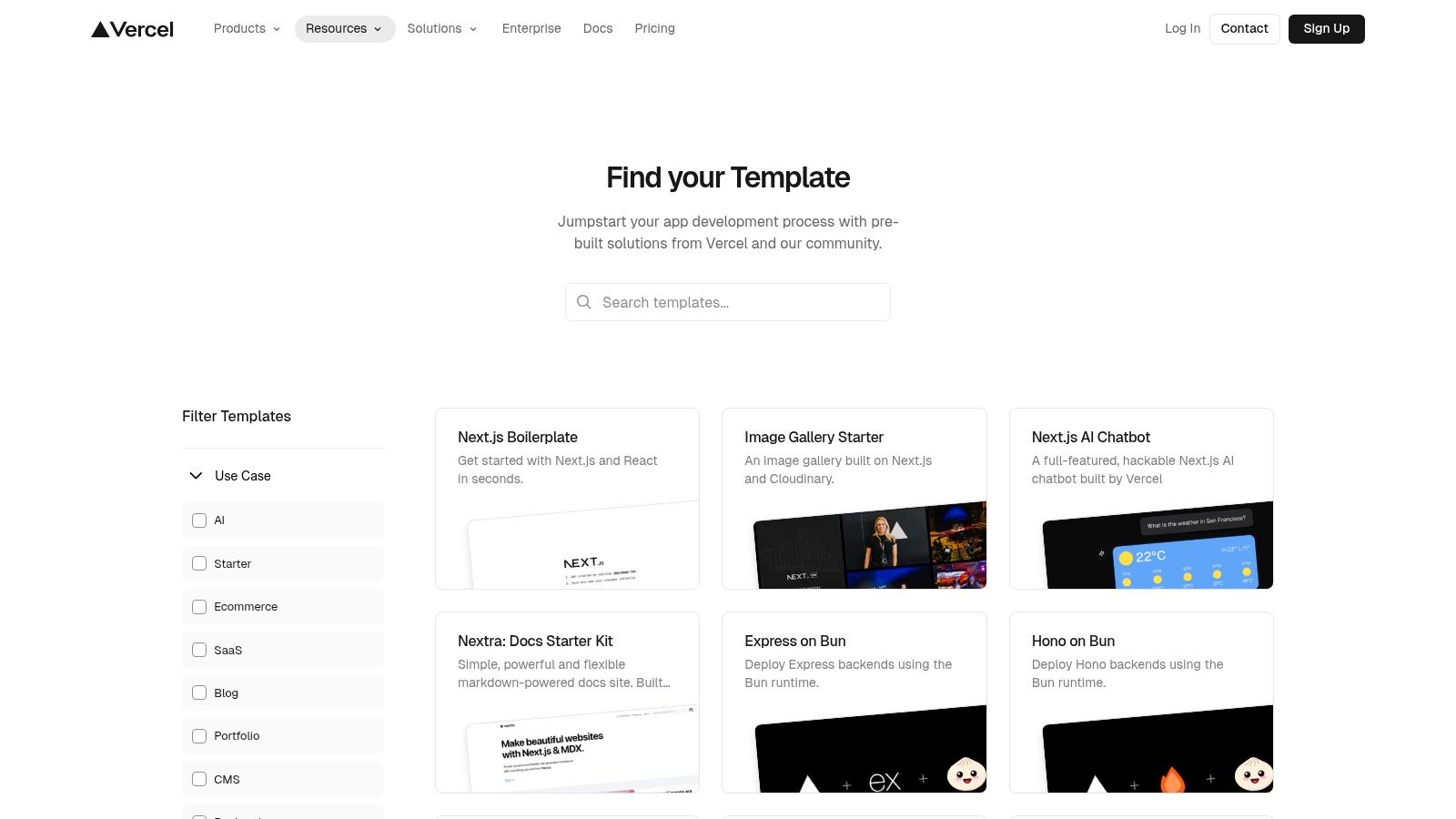
What makes this platform stand out is its seamless integration with the Vercel ecosystem. Each tailwind css template is optimized for performance and immediate deployment, removing the friction of initial setup. While the templates are more like functional scaffolds than polished designs, they provide a solid, best-practice foundation for building out full applications like blogs, e-commerce sites, and SaaS platforms.
Key Features & Considerations
- Pricing: Free and open-source.
- Best For: Developers using Next.js who want a fast, zero-config way to deploy a starter project.
- Pros: One-click deployment to Vercel, up-to-date with modern frameworks, excellent for learning and rapid prototyping.
- Cons: Designs are often basic scaffolds that require significant UI customization for production use.
For developers needing a quick start, Vercel provides an unmatched path from concept to live site. If you're new to the framework, getting the initial setup right is key; for guidance, you can follow this detailed guide on installing Tailwind CSS with Next.js.
Website: https://vercel.com/templates
12. Wrapmarket (formerly WrapBootstrap)
Wrapmarket, the platform previously known as WrapBootstrap, is a curated marketplace for premium website templates where independent creators sell their work. While it covers various frameworks, it features a dedicated and filterable category specifically for items built with Tailwind CSS. This allows developers to discover unique niche templates for projects like creative portfolios, specialized e-commerce stores, and complex dashboards that might not be available on larger, more generalized marketplaces.
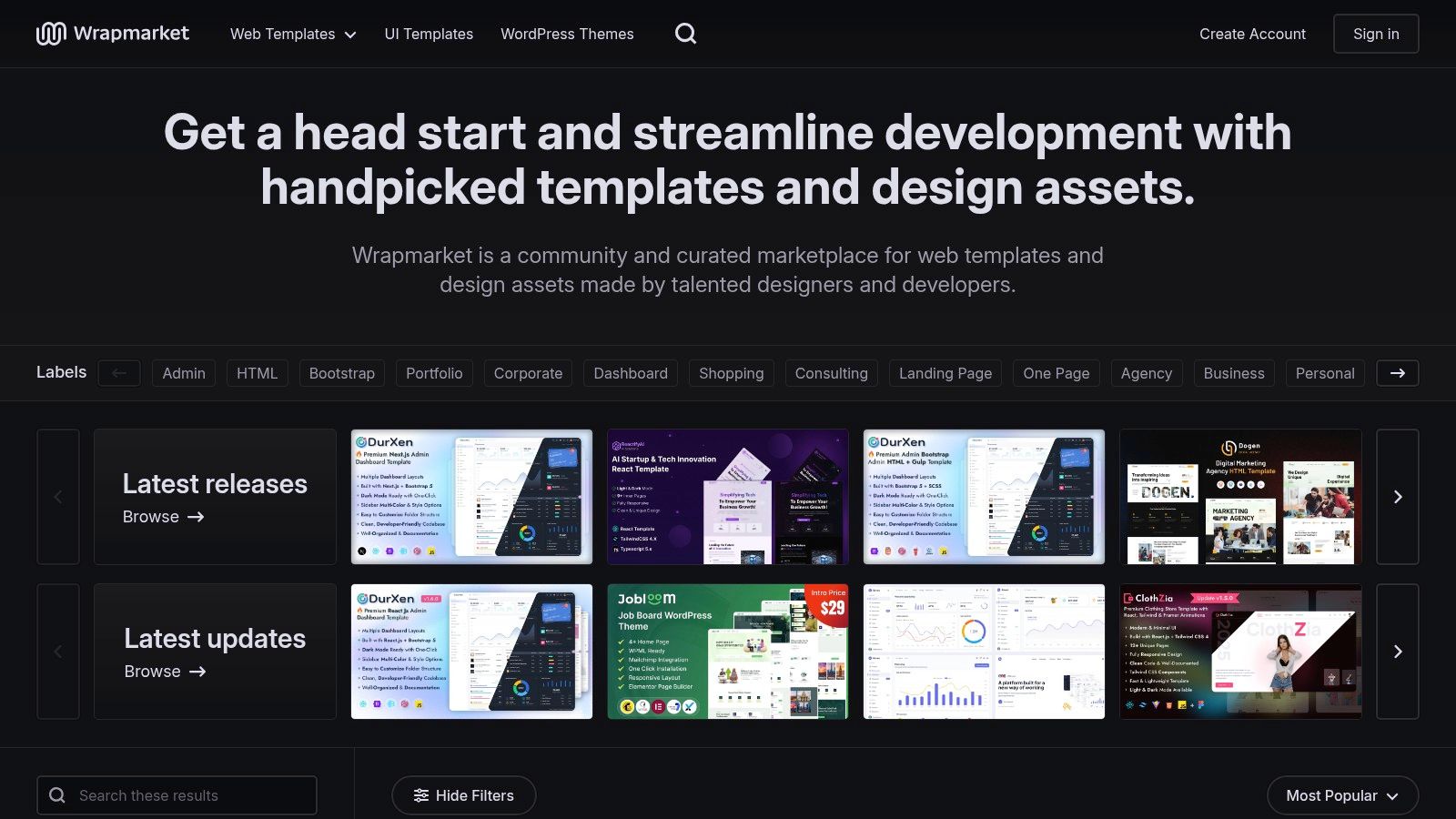
What makes Wrapmarket a valuable resource is its collection of distinct designs from a diverse pool of authors. Each tailwind css template is a one-time purchase, but it's crucial to review each seller's profile, as the quality, documentation, and update frequency can vary significantly between creators. This platform is an excellent alternative to explore when you're looking for a specific aesthetic that is hard to find elsewhere.
Key Features & Considerations
- Pricing: One-time payments per template, with prices set by individual authors.
- Best For: Developers looking for niche templates and unique designs from independent creators.
- Pros: Offers an alternative marketplace with some exclusive items, clear filtering helps to find Tailwind-specific templates quickly.
- Cons: The inventory of Tailwind templates is smaller compared to major marketplaces, and the quality and support level vary by seller.
Website: https://wrapmarket.com
Top 12 Tailwind CSS Template Providers — Comparison
| Product | Key features | UX & quality | Value & pricing | Target audience | Unique selling points |
|---|---|---|---|---|---|
| Magic UI | 50+ customizable blocks, 150+ animated React/TS/Tailwind components | High-performance, modern animations, active OSS community | Core library free (OSS); Pro premium templates (paid) | Web developers, designers, startups, freelancers | Fast landing-page assembly; large animated component set; shadcn/ui friendly |
| Tailwind Plus (official) | 500+ components, full site templates, Elements JS | Canonical Tailwind patterns, high code quality | One-time purchase with ongoing updates | Teams wanting official Tailwind patterns | Maintained by Tailwind Labs; canonical examples |
| ThemeForest (Envato) | Broad marketplace, live previews, author ratings | Quality varies by author; strong discovery tools | Per-item pricing; competitive & frequent discounts | Buyers seeking variety and budget options | Huge catalog and strong comparison tools |
| Cruip | Templates in HTML/React/Next/Vue, free Lite versions | Polished design, actively maintained | Individual purchases and bundle options | SaaS, marketing sites, dashboards | High-design SaaS templates; clear stack choices |
| Flowbite | MIT core components + Pro (600+ items), admin kits | Good docs and ecosystem | Free core; Pro paid upgrade for assets | Developers building interactive UIs & dashboards | Documented component system + Figma/asset kits |
| Shuffle.dev (tailwind.build) | Visual editor, large component library, export to stacks | Fast visual assembly; output may need cleanup | Monthly/annual/lifetime plans | Designers and devs who prefer visual builders | Visual page builder with multi-stack export |
| Creative Tim | Premium Tailwind admin & UI kits, demos & docs | Reputable vendor, consistent documentation | Paid products per item | Admin/dashboard projects and teams | Polished dashboards often integrating Flowbite |
| TailGrids | 600+ components, lifetime licenses, Figma files | Component-rich; includes design assets on tiers | One-time lifetime pricing options | Teams needing components + design sources | Lifetime access + bundled Figma sources |
| UIdeck | 100+ templates, All-Access pass, Tailwind filtering | Mixed quality; good bundle value during promos | Free + premium; All-Access bundles | Marketers and small teams needing many templates | All-Access bundles for bulk downloads |
| Themefisher | Tailwind HTML templates with configs, docs | Straightforward for static sites; free trials | Free & premium; simple pricing | Static site builders and simple deployments | HTML-first Tailwind templates with config files |
| Vercel Templates | Next.js + Tailwind starters, one-click deploy | Optimized for Vercel, quick to deploy | Free, open-source starters | Developers deploying to Vercel and prototyping | One-click Deploy + framework-ready starters |
| Wrapmarket | Curated marketplace with Tailwind filter | Niche items; quality varies by seller | Per-item purchases from independent authors | Buyers seeking unique or niche templates | Filtered Tailwind listings with indie creators |
Final Thoughts
Navigating the expansive world of Tailwind CSS templates can feel like searching for a specific component in a massive, unorganized library. Throughout this guide, we've explored a diverse landscape of options, from the official component kits by Tailwind Labs to expansive marketplaces like ThemeForest and specialized providers such as Cruip and Creative Tim. The core takeaway is that the "best" template is entirely subjective and hinges directly on your project's unique requirements, your technical proficiency, and your budget.
Your project's scope is the single most important factor. A simple landing page for a new SaaS product has vastly different needs than a complex, data-driven dashboard. For rapid prototyping or a straightforward marketing site, a solution like TailGrids or UIdeck provides excellent, free, and functional components. In contrast, if you're building a full-scale application, investing in a comprehensive design system from Flowbite or the premium offerings from Tailwind Plus will provide the necessary depth, documentation, and consistency.
Making the Right Choice for Your Next Project
Selecting the right tailwind css template requires a strategic approach. Before committing, consider the following critical factors to ensure your choice accelerates, rather than complicates, your development workflow:
- Technology Stack Compatibility: Are you using React, Vue, Svelte, or plain HTML? Ensure the template provides components or code compatible with your chosen framework. Tools like Shuffle.dev excel here, offering exports for various popular frameworks.
- Design and Customization: How much do you plan to alter the base design? Some templates are highly opinionated and difficult to restyle, while others are built on a flexible, utility-first foundation that encourages customization. Always check the underlying code structure and documentation.
- Licensing and Long-Term Use: Scrutinize the license carefully. Can you use the template for a single commercial project or multiple? Are you allowed to use it in products you sell? This is particularly crucial when sourcing from marketplaces.
- Support and Updates: A template is not a one-time purchase; it's an investment. Look for providers who offer ongoing support and regularly update their components to align with the latest versions of Tailwind CSS and popular frameworks. This ensures your project remains modern and secure.
Ultimately, a tailwind css template is more than just a collection of pre-styled components; it's a foundational decision that impacts your development speed, design consistency, and overall user experience. By carefully evaluating your needs against the options we've detailed, you can confidently select a toolkit that empowers you to build beautiful, responsive, and high-performing web applications with the efficiency that Tailwind CSS promises. Your ideal starting point is out there, waiting to be customized into your next great project.
Ready to move beyond static templates and build truly dynamic, animated user interfaces? Magic UI offers a library of over 50 free, open-source, and beautifully animated components built with Tailwind CSS and Framer Motion. Elevate your next project with stunning, production-ready animations by visiting Magic UI and exploring our component library today.