
A great user interface is more than just beautiful visuals; it's a seamless blend of art and science that guides users, solves problems, and feels intuitive. A truly effective UI is built upon a foundation of core user experience (UX) design principles, ensuring that every interaction is both logical and delightful. But finding high-quality inspiration can be a challenge, often leading to endless scrolling through generic galleries.
In this guide, we'll move beyond surface-level showcases and dive deep into 7 essential websites with great UI, breaking down exactly what makes them work. We won’t just show you pretty designs; we’ll deconstruct them. Each example includes detailed analysis, direct links, and screenshots to illustrate key points.
Our focus is on extracting actionable strategies and tactical insights from each one, helping you understand the 'why' behind their success. Whether you're a designer seeking fresh ideas, a startup founder validating a concept, or a developer aiming to build more intuitive products, this breakdown will equip you with practical patterns and principles to elevate your own projects. Get ready to analyze the best and learn how to replicate their success.
1. Awwwards: The Gold Standard for Curated Excellence
Awwwards is more than just a gallery of pretty websites; it’s a professionally curated and judged ecosystem that serves as the digital pulse for web design and development innovation. It’s an essential destination for anyone looking to discover websites with great UI because every featured project has passed a rigorous evaluation by a jury of international experts.
This platform stands out by dissecting excellence. Submissions are meticulously scored across four core pillars: Design, Usability, Creativity, and Content. This structured approach provides a transparent benchmark for what constitutes an award-winning digital experience, moving beyond subjective taste to objective quality assessment.
Why It Sets the Standard for UI Inspiration
Awwwards' true value lies in its high-signal curation. Unlike algorithm-driven platforms like Pinterest, every site showcased has earned its place through merit. This makes it an incredibly reliable resource for designers, developers, and founders seeking validated examples of cutting-edge interaction patterns, animations, and layouts.
Strategic Insight: Awwwards isn't just for finding aesthetic inspiration. It's a competitive intelligence tool. Use it to deconstruct what top agencies are building, identify emerging UI trends before they become mainstream, and benchmark your own work against the global best.
How to Use Awwwards Effectively
To get the most out of Awwwards, go beyond simple browsing. Use its powerful filtering tools to find exactly what you need.
- Filter by Category & Tag: Looking for a great UI in the e-commerce space? Or perhaps a site that excels in WebGL? The robust tagging system allows you to drill down into specific industries, technologies, and styles.
- Analyze the Scores: Pay close attention to the breakdown of scores for Design, Usability, Creativity, and Content. A site might have a stellar creativity score but a lower usability score, offering critical lessons on balancing innovation with user-friendliness.
- Explore Collections: Curated collections like "Mobile Excellence" or "Sites of the Month" offer a condensed view of top-tier work, saving you time while highlighting exemplary projects.
Access to view the sites is completely free. Awwwards also offers a Pro plan (starting around €150/year) for those who want to submit their own work, access exclusive content, and network with other professionals. It’s an indispensable resource for anyone serious about creating world-class digital interfaces.
Website: Awwwards.com
2. CSS Design Awards: A Celebration of UI/UX Craftsmanship
CSS Design Awards (CSSDA) is a global web design and development awards platform that has been celebrating creative work for over a decade. It serves as a vital hub for discovering websites with great ui, honoring solo designers, studios, and agencies who push the boundaries of digital aesthetics, user experience, and technical innovation.
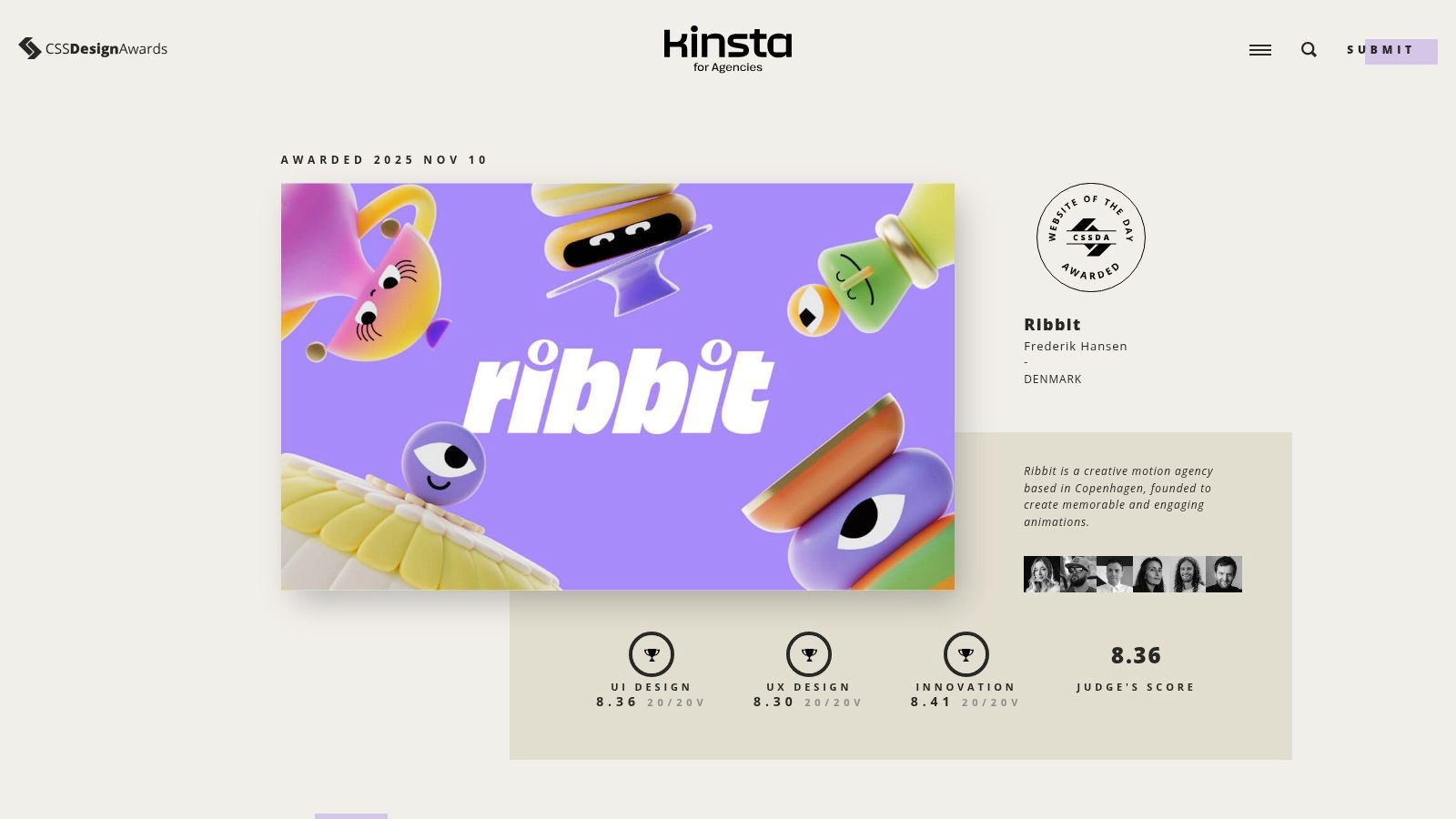
What makes CSSDA unique is its hybrid judging system, which combines the scores of an international judging panel with public votes. Each submission is evaluated on its UI Design, UX Design, and Innovation, with clear scores provided for each category. This dual-assessment model offers a well-rounded perspective, highlighting both professional polish and popular appeal.
Why It’s a Go-To for UI/UX Excellence
CSSDA’s strength lies in its relentless focus on the craft of interface design and user experience. The platform is less about conceptual art and more about the tangible execution of beautiful, functional websites. This makes it an invaluable resource for designers and developers looking for practical, real-world examples of high-quality UI/UX implementation.
Strategic Insight: Use CSSDA to spot emerging UI patterns and animation trends with immediate practical application. Its fast-paced, daily showcase often features novel techniques, like advanced CSS animations on scroll, before they become widely adopted. This is a platform for tactical, not just aesthetic, inspiration.
How to Use CSSDA Effectively
To maximize your time on CSSDA, leverage its organized structure and rich filtering capabilities.
- Study the Winners' Gallery: The "Website of the Day" and "Website of the Month" galleries are treasure troves of vetted excellence. Analyze these sites to understand what top-tier UI looks and feels like right now.
- Filter by Color, Features, or Industry: Need inspiration for a specific color palette or a particular industry like "real estate"? Use the filters in the main gallery to narrow down the thousands of submissions to a relevant, manageable list.
- Analyze the Judging Panel: Explore the profiles of the judges. Following these industry leaders on other platforms can provide a continuous stream of high-quality design insights and inspiration beyond the CSSDA website itself.
Browsing the showcase is free. For those looking to gain recognition, submitting a website requires a fee, starting from around $49 for a Public Award nomination, with varying prices for other categories. The platform's commitment to showcasing top-tier UI and UX makes it a daily must-visit for digital creators.
Website: https://www.cssdesignawards.com
3. Land-book: The UI Pattern Library for Efficient Design
Land-book is a highly curated and meticulously organized gallery that zeroes in on the building blocks of great digital products. Instead of just showcasing full websites, it deconstructs them into their core components, making it an indispensable resource for designers and developers looking for specific websites with great UI patterns. It’s built for speed and efficiency, helping you find the perfect hero section, pricing table, or footer in seconds.
The platform excels by focusing on practical application. With over 20,000 examples, its power lies in its deep categorization and filtering, allowing users to move beyond general inspiration and find tangible solutions for specific UI challenges. This component-level focus makes it a targeted tool for accelerating the design workflow.

Why It Sets the Standard for UI Inspiration
Land-book’s true strength is its granular approach. It saves designers countless hours by eliminating the need to hunt through entire websites for one specific element. Whether you need a navigation bar for a SaaS product or a testimonial section for a portfolio, Land-book delivers a library of high-quality, real-world examples that you can analyze and adapt.
Strategic Insight: Land-book is a workflow accelerator, not just an inspiration gallery. Integrate it directly into your process by using its "Boards" feature to collect specific UI patterns for a project. Its Figma integration allows you to copy designs directly, turning inspiration into a tangible starting point for your wireframes and mockups.
How to Use Land-book Effectively
To maximize Land-book’s potential, leverage its powerful organizational tools to streamline your design process.
- Filter by UI Section: This is Land-book's killer feature. Skip browsing full sites and jump directly to curated galleries of pricing, testimonial, hero, or footer sections to solve a specific design problem quickly.
- Drill Down with Tags: Combine section filters with tags for industry, style (e.g., minimalist, brutalist), and typography to find hyper-relevant examples that match your project’s exact requirements.
- Integrate with Your Workflow: Use the boards to create project-specific mood boards. Pro users can take it a step further by downloading full-page screenshots or copying elements directly into Figma to deconstruct and rebuild.
Access to browse the site is free, though filters and boards are limited. The Pro plan (starting around $99/year) unlocks unlimited filters, boards, ad-free browsing, mobile previews, and the valuable Figma workflow integrations.
Website: land-book.com
4. One Page Love: Mastering the Art of the Single Page
One Page Love is a highly specialized gallery dedicated exclusively to the art and science of single-page websites. It serves as a focused resource for designers and marketers looking to create high-impact landing pages, portfolios, and product showcases, making it an essential stop for finding websites with great UI in a conversion-focused context.
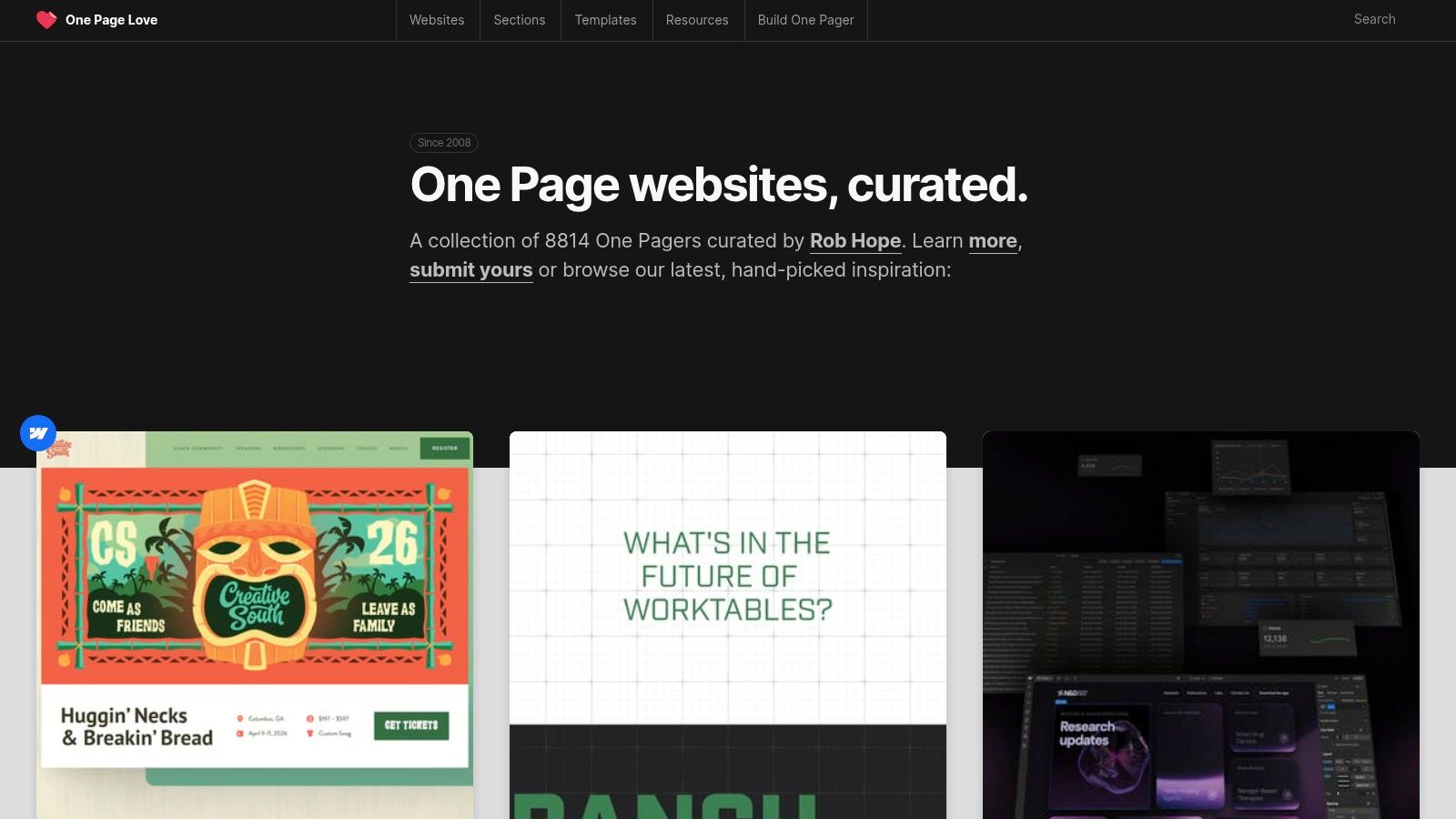
Unlike broader inspiration platforms, this website's strength lies in its singular focus. Every featured site is a masterclass in telling a complete story within a single scroll. This niche curation filters out the noise, providing a concentrated dose of inspiration for layouts, calls-to-action, and narrative flow designed to capture and convert visitor attention immediately.
Why It Sets the Standard for UI Inspiration
The platform's value is in its editorial curation of conversion-oriented design patterns. One Page Love doesn't just show you pretty websites; it deconstructs what makes them effective. By curating examples of specific components like pricing tables, testimonials, and hero sections, it provides a practical toolkit for building pages that not only look good but also perform.
Strategic Insight: One Page Love is a powerful tool for optimizing your sales funnel. Use it to study how different brands structure their value propositions, handle objections, and guide users toward a single, clear call-to-action. It's a goldmine for A/B testing ideas.
How to Use One Page Love Effectively
To maximize the platform's utility, leverage its specific organizational structure to solve design challenges.
- Explore Template Categories: Dive into categories like "Portfolio," "Landing Page," or "App" to see how different single-page sites are tailored to their specific goals.
- Study UI Element Collections: Need to design a better pricing table? Browse the dedicated "Pricing Table" collection to see dozens of real-world examples, helping you identify best practices quickly.
- Analyze the Curation: Pay attention to the commentary and tags provided for each site. These insights from the curator often highlight the specific design choices that make the UI successful.
Access to view the gallery is completely free. For those who want to be featured, there is a submission process. If your site is accepted, there is a one-time fee (starting at $59) for an editorial review and lifetime listing, offering durable exposure for your work.
Website: https://onepagelove.com
5. Mobbin: The Ultimate Library of Proven UI Patterns
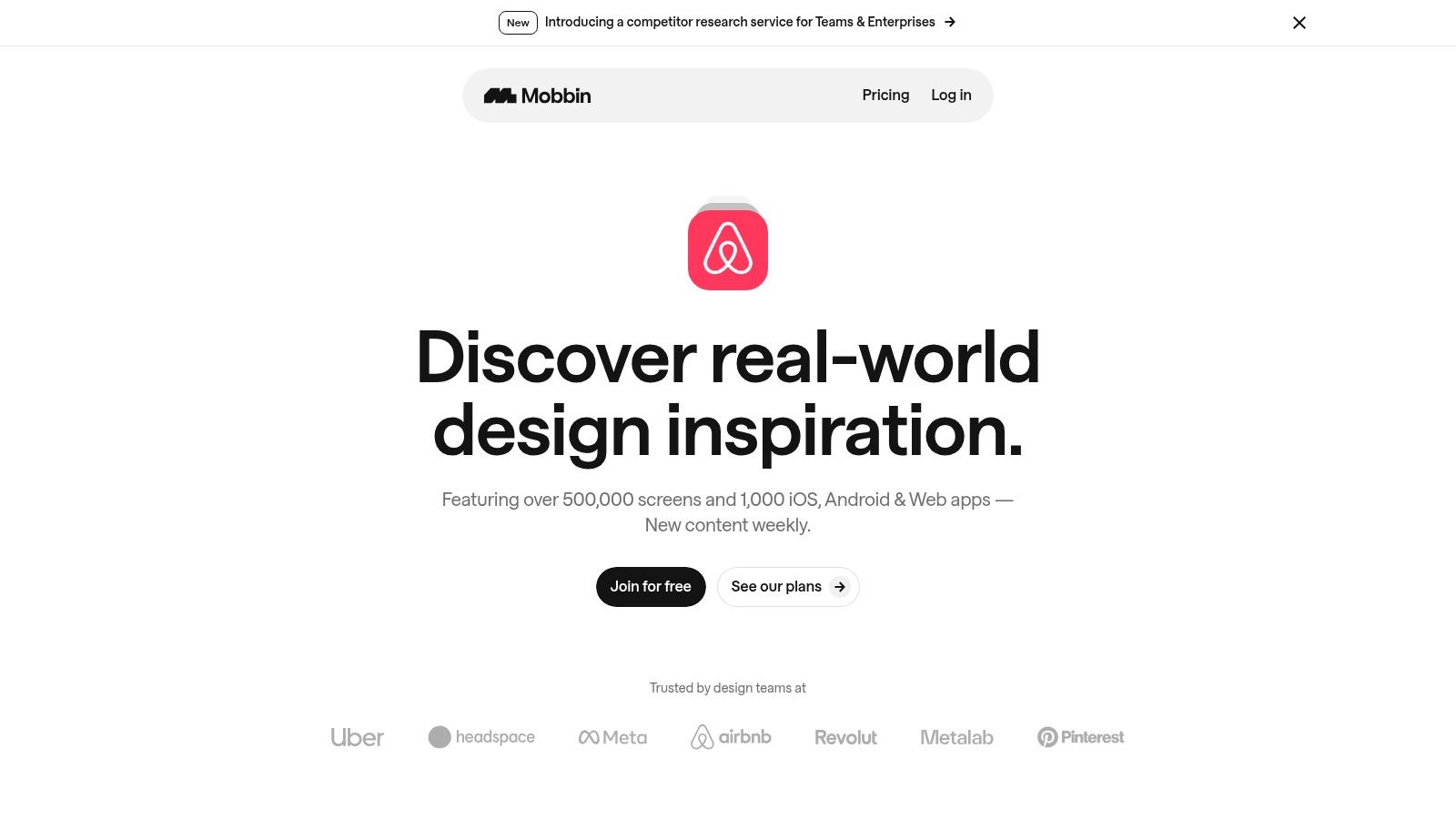
Mobbin is not a place for experimental concepts; it's a massive, searchable archive of real-world application interfaces. It provides an unparalleled library of user flows and screens from the world’s most successful apps, making it an essential tool for designers and developers looking to understand websites with great UI patterns that have already been validated in the market.
This platform's core strength is its focus on deconstructing what works. Instead of just showing final designs, Mobbin lets you explore entire user journeys, from onboarding sequences to complex settings menus. This practical approach demystifies how top-tier companies solve common UI challenges, providing a blueprint for effective design.
Why It's a Go-To for Practical UI Research
Mobbin excels by saving countless hours of research and guesswork. By providing direct access to tens of thousands of real user flows, it helps teams avoid reinventing the wheel. It is the definitive resource for anyone adopting a mobile-first design approach, offering a deep well of proven mobile patterns.
Strategic Insight: Use Mobbin not for imitation, but for pattern recognition. Identify how different leading apps handle the same problem (e.g., subscription paywalls) to understand the pros and cons of each approach. This informs your design decisions with data from millions of users, not just your own intuition.
How to Use Mobbin Effectively
To maximize Mobbin’s value, leverage its powerful organizational and filtering capabilities to accelerate your workflow.
- Explore Specific User Flows: Don't just browse individual screens. Use the "Flows" feature to see the step-by-step journey for tasks like "Signing Up" or "Adding to Cart" to understand the full user experience.
- Filter by UI Element & App: Need to design a new bottom navigation bar? Filter for that specific UI element across hundreds of apps to compare different styles, icons, and labeling conventions.
- Utilize Collections: Create your own collections to group inspiration for a specific project. This helps you build a focused mood board and easily share references with your team or stakeholders.
Mobbin offers a free tier with limited access. For full functionality, including advanced filtering and unlimited screen views, a Pro plan is available (starting around $15/month). It’s an invaluable investment for product teams focused on building intuitive, user-friendly interfaces.
Website: mobbin.com
6. ThemeForest: The Ultimate Marketplace for Production-Ready UI
ThemeForest isn't a single website with great UI, but rather a colossal marketplace containing thousands of them. As part of the Envato Market ecosystem, it's the go-to platform for purchasing pre-built website themes and templates, making it a pragmatic resource for founders, developers, and agencies who need to launch a polished digital product quickly and affordably.
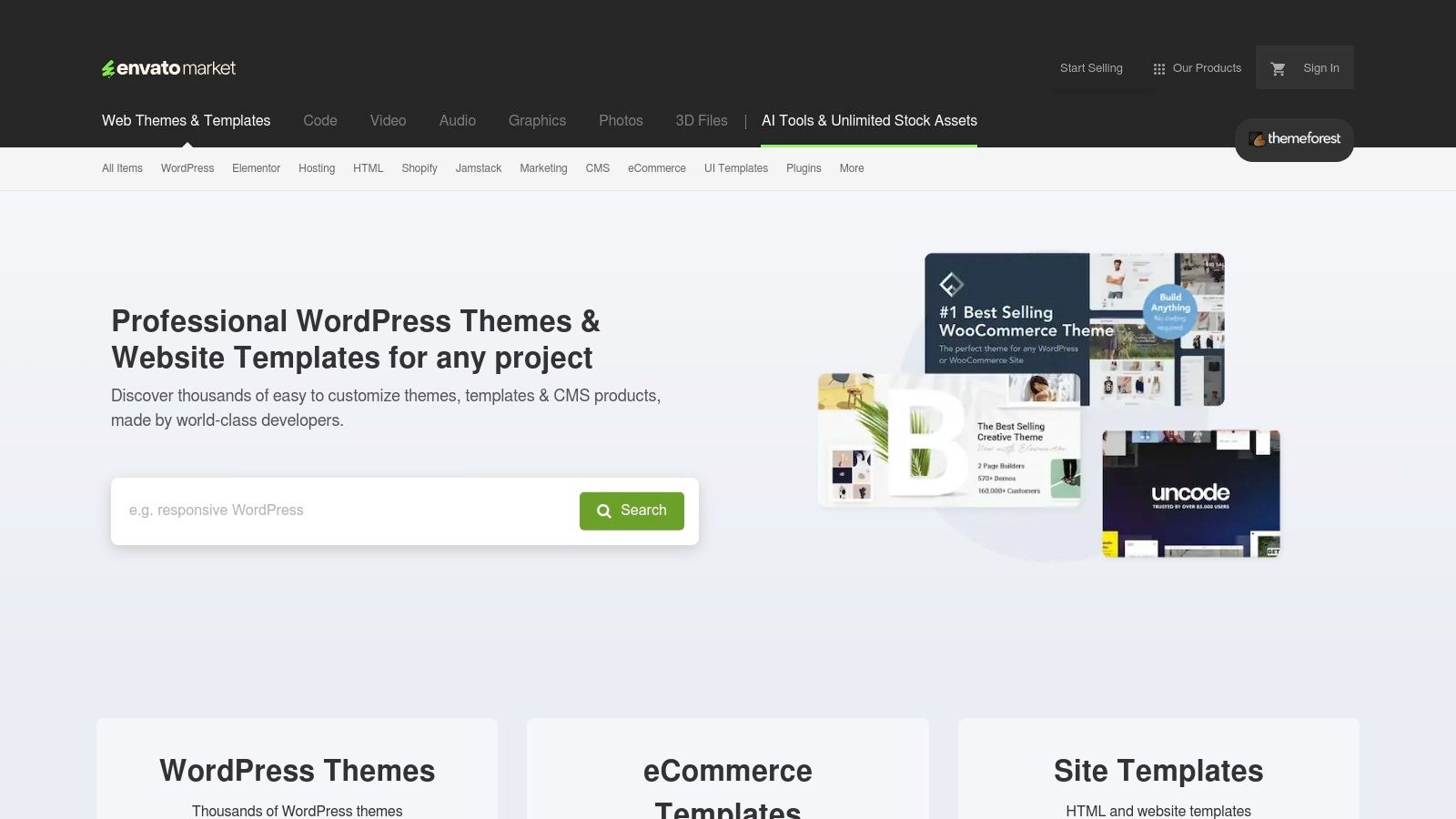
This platform stands out by democratizing access to professional design. It provides production-ready UI kits for virtually every major platform, including WordPress, Shopify, Webflow, and raw HTML. This makes it an invaluable shortcut for projects where building a custom design system from scratch isn't feasible due to time or budget constraints.
Why It's a Go-To for Rapid UI Implementation
The core value of ThemeForest is its efficiency. Instead of just providing inspiration, it offers complete, functional solutions that can be deployed almost immediately. The inclusion of live demos, user reviews, and sales counts acts as a social proof mechanism, helping you gauge the quality and reliability of a theme before committing. This is crucial because, unlike curated galleries, the quality on ThemeForest can vary significantly between authors.
Strategic Insight: Use ThemeForest not just to buy themes, but to validate UI concepts. The top-selling themes in any category are a direct reflection of market demand and user preference. Analyze their layouts, component styles, and user flows to understand what resonates with a broad audience in a specific niche.
How to Use ThemeForest Effectively
Navigating the vast library requires a strategic approach to find high-quality assets that fit your needs.
- Filter by Top Sellers & Ratings: Start by sorting by "Best sellers" or "Top rated" to surface themes that have been vetted by thousands of customers. This is the quickest way to filter out low-quality or poorly supported items.
- Analyze the Live Demo Critically: Don't just look at the aesthetics. Test the live preview for responsiveness, page load speed (using browser developer tools), and intuitive navigation. A beautiful UI is useless if it's slow and frustrating to use.
- Check Author History & Support: Review the author's profile to see their portfolio, overall rating, and how recently their themes have been updated. A dedicated author with frequent updates is a strong indicator of a well-maintained product.
Themes are purchased with a one-time fee for a license (typically starting around $20-$70) which usually includes 6 months of author support. For those looking to learn more about the latest trends, our guide on landing page design templates offers further insights.
Website: ThemeForest.net
7. Creative Market: The UI Component Superstore
Creative Market isn't a single website showcasing great UI, but rather a sprawling marketplace where the building blocks of exceptional user interfaces are sold. It’s an essential resource for designers, developers, and founders looking to accelerate their projects by leveraging pre-built, high-quality assets created by independent professionals.
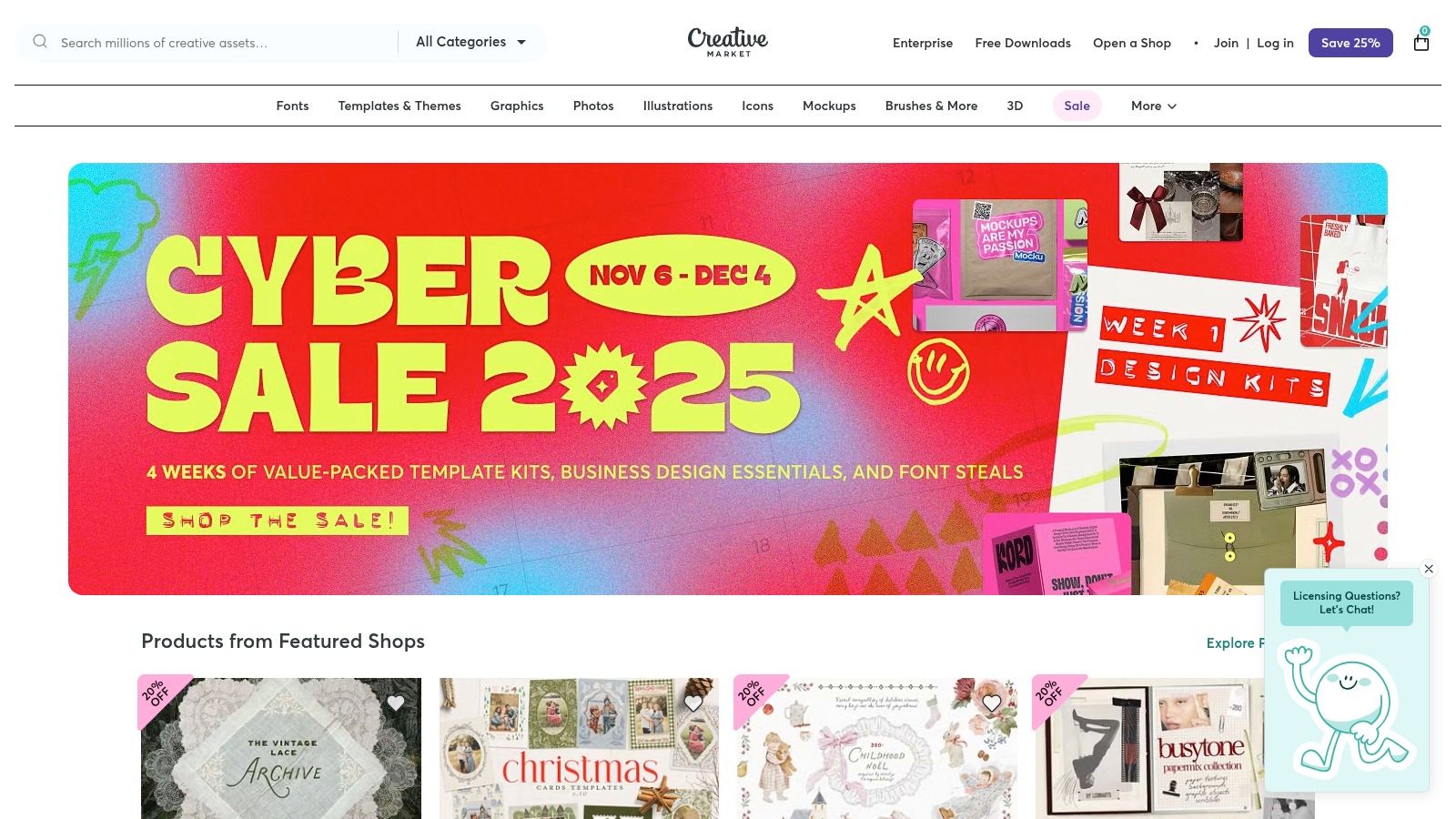
The platform’s strength lies in its vast and diverse selection of UI kits, design systems, icons, and web templates. Instead of forcing users into a rigid subscription, Creative Market operates on a flexible, per-item licensing model, allowing you to purchase exactly what you need for a specific project. This makes it a perfect middle ground between overly restrictive themes and the time-consuming process of building a UI from scratch.
Why It's a Go-To for UI Components
Creative Market's value proposition is speed and quality. It provides a direct pipeline to polished, ready-to-use components compatible with modern design tools like Figma, Sketch, and Adobe XD. This allows teams to bypass foundational design work and focus immediately on user experience and business logic, significantly reducing development timelines.
Strategic Insight: Use Creative Market not just for assets, but as a validation tool. The popularity and reviews of different UI kits can reveal current design trends and user preferences. Analyze the best-selling kits to understand what aesthetics and components are resonating in the market right now.
How to Use Creative Market Effectively
To find high-quality assets and avoid duds, you need to navigate the marketplace strategically.
- Vet the Creator: Before purchasing, always check the seller’s profile. Look at their entire portfolio, read shop reviews, and see how long they have been active on the platform. Established creators are more likely to provide well-supported and frequently updated products.
- Scrutinize Previews and Licenses: Don't just look at the hero images. Dive into all the preview slides to understand the full scope of the kit. Critically, always verify the license (Personal, Commercial, or Extended) to ensure it aligns with your project’s requirements.
- Check for Updates: Look for assets that have a clear version history or notes about recent updates. A recently updated UI kit is a strong signal that the creator is actively maintaining it to keep up with software changes and design trends.
Purchasing is done on a per-asset basis, with prices set by individual creators. This makes it a highly flexible and budget-friendly way to find websites with great UI components for your next project.
Website: Creative Market
Top 7 UI Showcase Comparison
| Platform | Focus & Key Advantages | Implementation Complexity | Resource Requirements | Expected Outcomes | Ideal Use Cases |
|---|---|---|---|---|---|
| Awwwards | Professionally judged website gallery; high‑signal curation and industry recognition | Low to browse; moderate to prepare a competitive submission | Paid submissions/membership optional; time to craft entry and assets | Benchmarking, inspiration, possible traffic/leads if awarded | Agencies/teams seeking recognition and client-facing case studies |
| CSS Design Awards (CSSDA) | Curated awards emphasizing UI/UX craft and innovation; consistent quality curation | Low to browse; moderate submission workflow with categories | Paid submission per category; assets and judging-ready presentation | Public recognition and visibility; design references | Teams entering awards or researching high‑quality UI execution |
| Land-book | Large pattern library and section-level examples; fast pattern discovery and Figma workflows | Very low to browse; easy to collect and export examples | Free tier limited; Pro subscription unlocks full filters, previews, Figma export | Rapid access to UI patterns and sections for design work | Designers needing specific UI sections (heroes, pricing, footers) |
| One Page Love | Gallery for single‑page sites; focused conversion patterns and themed collections | Low to browse; submission and paid editorial review for listing | Paid editorial review for accepted one‑page sites; must meet format | Targeted exposure for landing/one‑page designs; conversion pattern ideas | Landing pages, product/portfolio one‑page sites and conversion-focused layouts |
| Mobbin | Searchable library of real app screens and flows; production‑proven patterns and flows | Low to browse; advanced filters for flow research | Free tier plus Pro/Team subscriptions for full access | Actionable UI patterns and flow examples; speeds research and alignment | Mobile/app UX research — onboarding, paywalls, navigation, settings |
| ThemeForest (Envato) | Large marketplace of themes/templates; fast path to production UIs | Low to integrate for standard themes; can be moderate if customization needed | Per‑item purchase; possible developer time for setup and updates | Quickly deploy polished sites and demos; variable long‑term maintenance | Rapid launches, CMS/shop sites, project templates |
| Creative Market | Marketplace for UI kits, icons, templates; reusable design assets for projects | Low to moderate (import and adapt assets into projects) | Per‑item purchases; licensing varies by seller | Reusable UI components and assets; accelerates design work | Prototyping, building UI kits, purchasing isolated assets (icons, templates) |
From Inspiration to Implementation: Build Your Next Great UI
Throughout this article, we've journeyed through a curated collection of resources, each offering a unique window into the world of exceptional user interface design. From the high-concept, award-winning showcases on Awwwards and CSSDA to the focused, practical libraries found on Land-book and Mobbin, a clear pattern emerges. The most compelling websites with great ui are not born from a single flash of brilliance but are meticulously crafted through study, iteration, and a deep understanding of user-centric principles.
These platforms are more than just digital galleries; they are strategic toolkits for designers and developers. The key is to shift from passive admiration to active analysis. Don't just bookmark a beautiful site; deconstruct its user flow, analyze its component hierarchy, and question the design choices that make it effective. This analytical approach transforms abstract inspiration into a concrete, replicable strategy for your own projects.
Turning Insights into Actionable Strategy
The core takeaway is that a great UI is a conversation between aesthetics and functionality. The examples we’ve seen masterfully balance visual delight with intuitive navigation, creating experiences that are both memorable and effortless. To translate these insights into your work, consider these actionable steps:
- Create Thematic Mood Boards: Use platforms like One Page Love or Land-book to collect examples specific to your project's needs, whether it's a SaaS dashboard, a portfolio site, or an e-commerce platform. Group them by feature, such as navigation patterns, button styles, or animation usage.
- Deconstruct User Flows: Pick a site from Mobbin and map out its primary user journey. Identify key screens, decision points, and interactive elements. This exercise reveals the underlying logic that makes a complex application feel simple.
- Analyze Component-Level Details: Instead of looking at a whole page, zoom in on individual components. How does a site handle its forms? What makes its card layout so effective? Marketplaces like ThemeForest and Creative Market are excellent for this, as you can see how individual elements are designed to work within a larger system.
Choosing Your Tools and Implementing with Precision
Once you have a clear vision, selecting the right implementation tools is critical. Your choice will depend on your project’s complexity, your team's technical skills, and your timeline. For instance, a freelancer might use a Creative Market template to quickly launch a client's site, while a startup team might study Mobbin's patterns to inform the build of their custom React application.
Remember, the goal is to implement sophisticated UI patterns without reinventing the wheel. Leveraging established design systems and component libraries can significantly accelerate your development process. This allows you to focus your energy on unique business logic and creating an exceptional user experience, rather than building common UI elements from scratch. To gather further inspiration for your own projects, you can also explore their design portfolio to see a range of practical implementations. Ultimately, the best websites with great ui are those that successfully merge inspirational design with pragmatic, efficient execution, creating a final product that truly resonates with its audience.
Ready to stop just admiring great UI and start building it? Magic UI offers a library of over 100 free, open-source animated components built with React, Tailwind CSS, and Framer Motion. Accelerate your development and bring your vision to life with production-ready, beautifully designed elements by visiting Magic UI today.